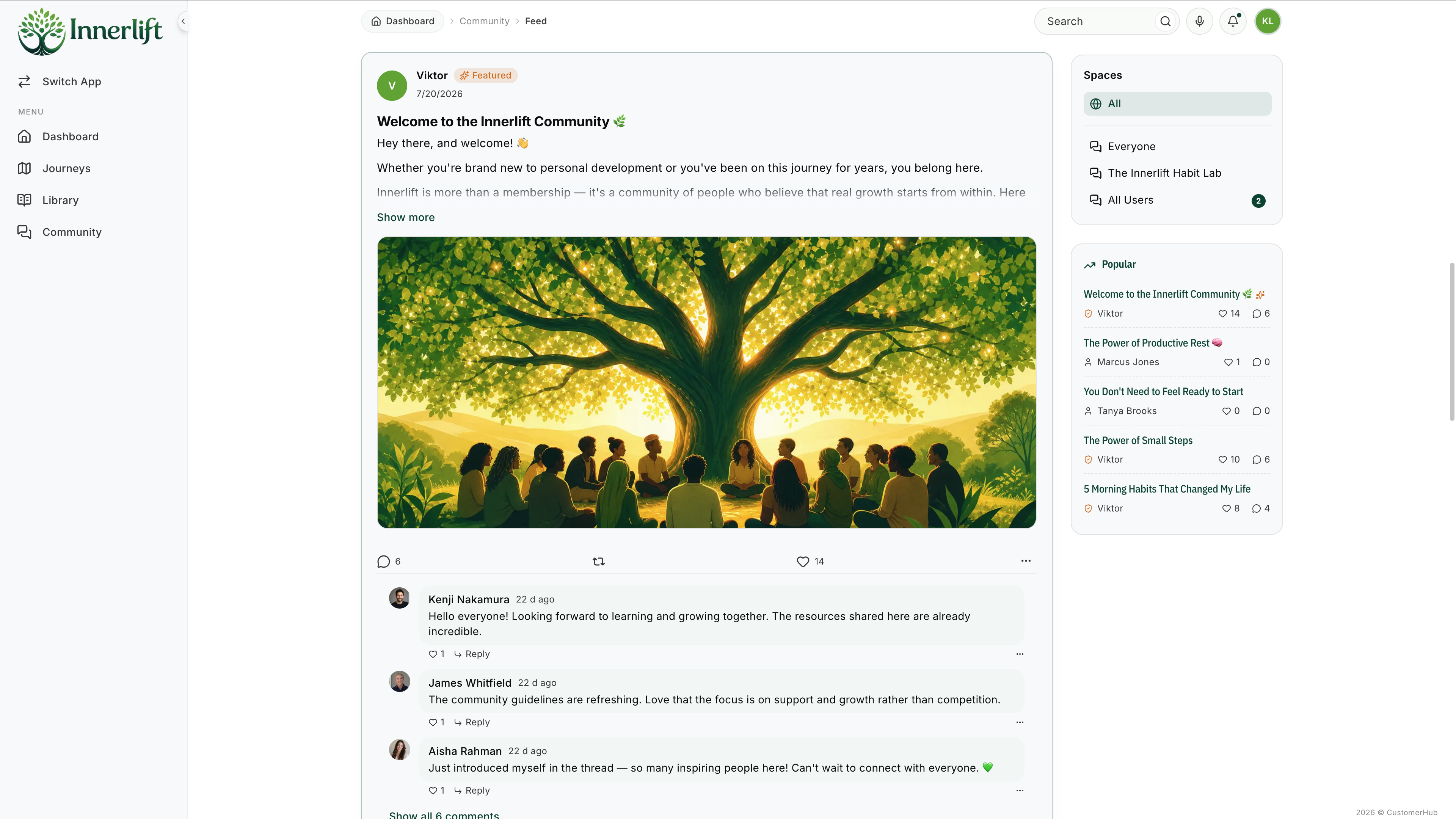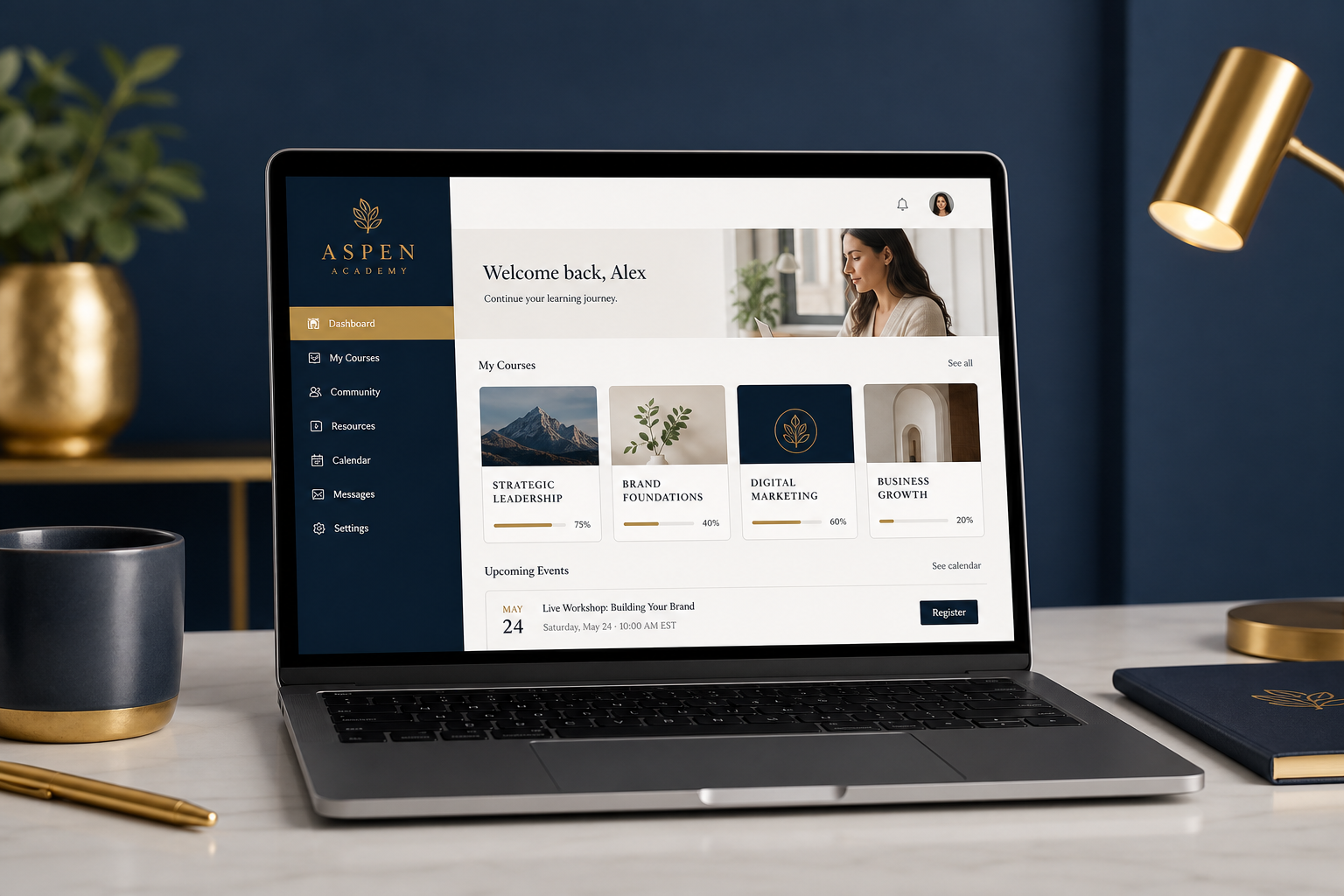

You've built a brand. You've got courses, memberships, or digital content ready to sell. But when your students log in, they see someone else's logo, someone else's colors, and a generic interface that looks like every other course platform on the internet.
That's the problem a white label course platform solves.
A white label platform lets you deliver your courses and content under your own brand. Your logo, your colors, your domain, so students experience your business, not a third-party tool. It's the difference between feeling like a professional operation and looking like you're borrowing someone else's classroom.
In this guide, we'll explain exactly what a white label course platform is, why branding matters more than most creators realize, what features to look for, and how the top options compare.
What Is a White Label Course Platform?
A white label course platform is an online learning platform that lets you remove all third-party branding and replace it with your own. Your students see your logo, your colors, your domain name, and your design, not the platform provider's.
In short: White labeling means your students never know what tool you're using behind the scenes. They just see your brand, your content, and a consistent experience that feels custom-built.
This is different from most course platforms where the provider's branding appears in the URL, footer, login page, or email notifications. White label platforms give you full control over the student-facing experience.
White Label vs. Custom-Built: What's the Difference?
| Approach | White Label Platform | Custom-Built Solution |
|---|---|---|
| Setup time | Hours to days | Months to years |
| Cost | $40-$300/month | $10,000-$100,000+ in development |
| Maintenance | Platform handles it | You're responsible for everything |
| Updates & security | Automatic | Manual (or hire a developer) |
| Scalability | Built-in | You build it |
| Branding control | Full (logo, colors, domain) | Unlimited (you own the code) |
| Best for | Coaches, creators, small teams | Enterprise with dedicated dev team |
For most coaches, creators, and small businesses, a white label platform gives you 95% of the benefits of a custom build at 1% of the cost and effort.
Why Branding Your Course Platform Matters
Some creators treat branding as cosmetic, a nice-to-have. It's not. Here's why a branded learning experience directly impacts your business:
1. Trust and Credibility
When students land on a professional, branded portal with your logo and domain (learn.yourbrand.com instead of yourbrand.genericplatform.com), they immediately perceive higher value. First impressions set the tone for the entire learning experience.
2. Retention and Engagement
Students who feel they're part of your community, not a generic platform, are more engaged and less likely to churn. Branded environments create a sense of belonging and investment that generic interfaces can't match.
3. Perceived Value
A branded portal justifies premium pricing. If your $500 course lives on a generic-looking platform with another company's branding, students question where their money went. A polished, branded experience signals professionalism and quality.
4. Word-of-Mouth and Referrals
When students share their learning experience, you want them talking about your brand, not the platform's. White labeling ensures that every touchpoint reinforces your name, not someone else's.
5. Client and Corporate Expectations
If you're selling courses to businesses, agencies, or organizations, branded delivery is often a requirement. Corporate clients expect a professional, branded portal, not a consumer marketplace login page.
What to Look for in a White Label Course Platform
Not all "white label" platforms deliver the same level of branding control. Here's what genuinely matters:
Custom Domain
The most basic (and most important) white label feature. Your students should access content at courses.yourbrand.com or learn.yourbrand.com, not yourbrand.thirdpartyplatform.com.
This applies to login pages, course pages, and any student-facing URLs. If the platform's name appears in the URL, it's not truly white labeled.
Visual Branding
Full control over:
- Logo placement (header, login page, emails)
- Brand colors throughout the interface
- Custom favicon
- Font choices (if supported)
- Login page design
The best platforms let you match your learning portal to your main website so the experience feels cohesive.
Branded Emails
Transactional emails (welcome messages, password resets, course notifications) should come from your domain and reflect your brand, not the platform's. This is a detail many platforms overlook, but it matters for trust and deliverability.
White Label Mobile Experience
Your students will access courses on phones and tablets. The branded experience should extend to mobile, not fall back to a generic mobile interface with the platform's branding.
Content Organization
Beyond branding, look for flexible ways to organize your content:
- Course collections and categories
- Membership tiers with different access levels
- Resource libraries and downloadable content
- Drip scheduling and content gating
The best platform is one where the organization of your content reinforces your brand's structure and values.
Community Integration
If your learning experience includes community features (discussion, Q&A, events), those should also be white labeled. Students shouldn't jump from a branded course to a generic-looking community forum.
Analytics and Insights
You should be able to track student progress, engagement, and completion, all within your branded environment. Good analytics help you identify where students get stuck and optimize your content accordingly.
Top White Label Course Platforms Compared (2026)
Here's how the leading platforms stack up on white label capabilities:
CustomerHub
CustomerHub is built specifically for coaches, creators, and community builders who want branded, distraction-free member portals.
White label features:
- Full custom domain support (yourdomain.com)
- Complete visual branding: logo, colors, design
- Branded member portals for each product or community
- White labeled login experience
- Content collections, segments, and tiered access
- Built-in community (branded, not third-party)
- Drip content delivery
- Progress tracking and engagement analytics
- Stripe integration. No added transaction fees
- Zapier integration for 1,000+ tool connections
Pricing: Starting at ~$40/month
Best for: Coaches, program creators, and community builders who want a clean, branded experience without technical complexity.
Start your 30-day free trial →
Kajabi
Kajabi offers extensive branding options and is often positioned as an "all-in-one" platform.
White label features:
- Custom domain
- Branded themes and templates
- Email marketing built in (branded)
- Community features
Considerations: Kajabi starts at $149/month and includes many features you may not need (email marketing, website builder, funnels). The "all-in-one" approach can feel bloated if you already have tools for email and marketing.
Best for: Creators who want everything in one platform and are willing to pay the premium.
Teachable
Teachable provides some branding options but with notable limitations.
White label features:
- Custom domain (on paid plans)
- Logo and color customization
- Branded checkout pages
Considerations: Teachable's branding includes their name in certain areas unless you're on higher-tier plans. Transaction fees apply on lower tiers (5% on Basic). Community features are limited.
Best for: Creators focused primarily on course sales who don't need heavy community or engagement features.
Thinkific
Thinkific offers a solid course builder with branding customization.
White label features:
- Custom domain
- Site builder with branded themes
- Custom CSS support for advanced styling
Considerations: Community features are add-on priced. Advanced branding (removing Thinkific branding completely) requires higher-tier plans. The interface can feel complex for non-technical users.
Best for: Tech-comfortable creators who want detailed customization control.
Quick Comparison
| Feature | CustomerHub | Kajabi | Teachable | Thinkific |
|---|---|---|---|---|
| Custom domain | ✅ | ✅ | ✅ (paid) | ✅ |
| Full visual branding | ✅ | ✅ | Partial | ✅ |
| Branded community | ✅ Built-in | ✅ | Limited | Add-on |
| Drip content | ✅ | ✅ | ✅ | ✅ |
| Progress tracking | ✅ | ✅ | Basic | ✅ |
| Starting price | ~$40/mo | $149/mo | $39/mo | Free (limited) |
| Transaction fees | None | None | 5% on Basic | None (paid plans) |
| Onboarding support | Done-for-You | Limited | Limited | Limited |
Use Cases: Who Needs a White Label Course Platform?
Coaches and Consultants
You sell high-touch programs where the relationship with your client is everything. A branded learning portal reinforces that your program is yours, not a generic product on a marketplace. Your clients log into your platform, see your branding, and experience your methodology.
Program Creators and Educators
If you're building a course business, branding is a competitive advantage. Students who experience a polished, branded platform are more likely to recommend it, leave testimonials, and buy your next course.
Agencies and Service Providers
Delivering training or onboarding to clients? A white label platform lets you provide a branded learning experience without building custom software. Client training portals, SOPs, and onboarding sequences all live under your agency's brand.
Community Builders
If your community includes educational content, courses, or resources, a white label platform keeps everything cohesive. Members experience one branded destination for learning, community, and content, not a patchwork of disconnected tools.
Small Businesses and Ops Managers
Employee training, client onboarding, partner education. Small businesses use white label platforms to deliver structured content without the IT overhead of an enterprise LMS.
How to Set Up Your White Label Course Platform
Getting started is simpler than most people expect. Here's a typical setup process:
Step 1: Choose Your Platform
Evaluate based on your specific needs: branding depth, community features, pricing, integrations, and ease of use. Request free trials from your top 2-3 options and test the actual student experience.
Step 2: Connect Your Custom Domain
Most platforms provide step-by-step instructions for pointing your domain (e.g., learn.yourbrand.com) to the platform. This usually involves adding a CNAME or A record in your domain registrar, a 10-minute task.
Step 3: Apply Your Branding
Upload your logo, set your brand colors, customize your login page, and configure your email settings. The goal: if a student lands on your portal, they should feel like they're on your website.
Step 4: Build Your Content
Upload courses, organize collections, set up drip schedules, and configure access levels. Start with your highest-value content and expand over time.
Step 5: Test the Student Experience
Before launching, go through the entire student journey yourself: sign up, login, navigate courses, complete a lesson, interact with community. Fix anything that feels off-brand or confusing.
Step 6: Launch and Iterate
Launch to your audience, gather feedback, and refine. The best course platforms are living systems. You'll continuously improve based on student behavior and feedback.
Build Your Branded Learning Experience with CustomerHub
CustomerHub is purpose-built for coaches, program creators, and community builders who want a professional, branded learning experience without the complexity or cost of custom development.
What you get:
- Fully branded member portals. Your logo, colors, domain
- Courses, memberships, downloads, and community in one place
- Drip content delivery and progress tracking
- Clean, distraction-free interface your students will love
- Stripe integration with zero added transaction fees
- Done-for-You onboarding to get you live fast
- Connects with 1,000+ tools via Zapier
Stop borrowing someone else's brand. Give your students the professional, branded experience they deserve, and that your business requires.
10,000+ portals created. 10M+ members served. $100M+ in creator revenue.
Start your 30-day free trial today →
FAQs About White Label Course Platforms
What does "white label" mean for a course platform?
White label means you can remove the platform provider's branding and replace it with your own. Your students see your logo, colors, and domain, not the underlying platform's. It looks and feels like a custom-built solution.
What's the difference between white label and custom domain?
A custom domain is one component of white labeling. It means your URL shows your brand name. Full white labeling goes further: it includes branded visuals, emails, login pages, community, and every student-facing touchpoint.
Do I need technical skills to set up a white label platform?
No. Most modern platforms (including CustomerHub) are designed for non-technical users. Setting up your brand, connecting a domain, and building courses can be done without any coding. Some platforms even offer Done-for-You setup assistance.
How much does a white label course platform cost?
Prices range from $40-$300/month depending on the platform and plan. CustomerHub starts at approximately $40/month. Compare this to custom development ($10,000-$100,000+) and the value is clear.
Can I white label a course platform for multiple clients?
Some platforms support multi-tenant setups where you create separate branded portals for different clients or brands. This is especially useful for agencies and consultants who deliver training to multiple organizations.
Is white labeling worth it for a small creator?
Yes. Even for small creators, branding builds trust, justifies pricing, and creates a professional impression. If you're charging for courses or memberships, a branded experience signals that you take your business seriously.